How to Turn Your Smart TV (Apple, Roku, Fire TV, Android) into a Morning Family Command Center


When parents try to digitize morning routines, their first instinct is often to download a routine app on a smartphone or hand an iPad to their child. However, anyone who has tried this knows the immediate pitfall: tablets and phones invite distraction.
The moment a child holds a device, YouTube, games, or social notifications tempt their attention. Furthermore, small screens are isolated experience—parents can't see progress from across the kitchen without constantly checking over their child's shoulder.
The solution? Move the morning routine onto the living room Smart TV.
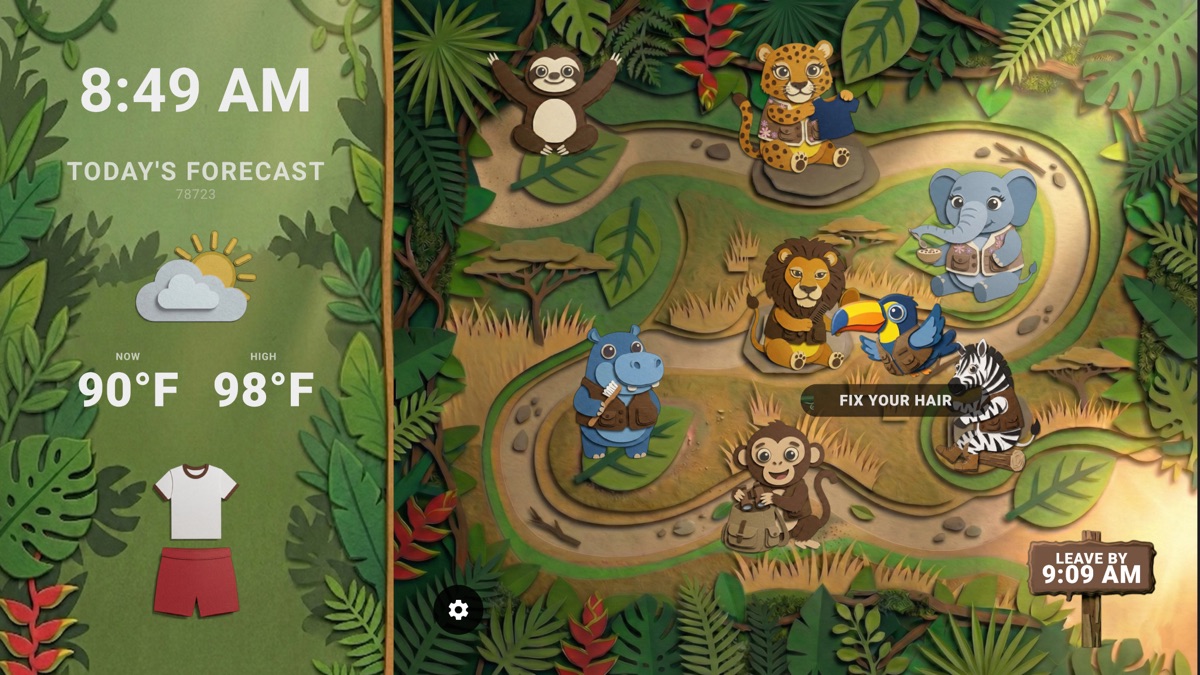
Whether your home relies on Roku, Apple TV, Amazon Fire TV, or Android TV, setting up a living room routine display is simple and seamless.
Search for "The Morning Map" in the Roku Channel Store or add it directly via your Roku account. Launch the app in the morning, choose your routine, and let it auto-play on the big screen!
Download The Morning Map from the Apple App Store on your iPhone, iPad, or Apple TV device. Use native AirPlay or launch directly on TV to broadcast your morning path.
Cast your mobile routine screen directly via Miracast / Screen Mirroring, or use the Silk browser to mirror your custom visual routine dashboard onto your Fire TV screen.
Use built-in Chromecast to broadcast The Morning Map routine screen from any Android device or tablet straight to your Google TV setup in 1-tap.
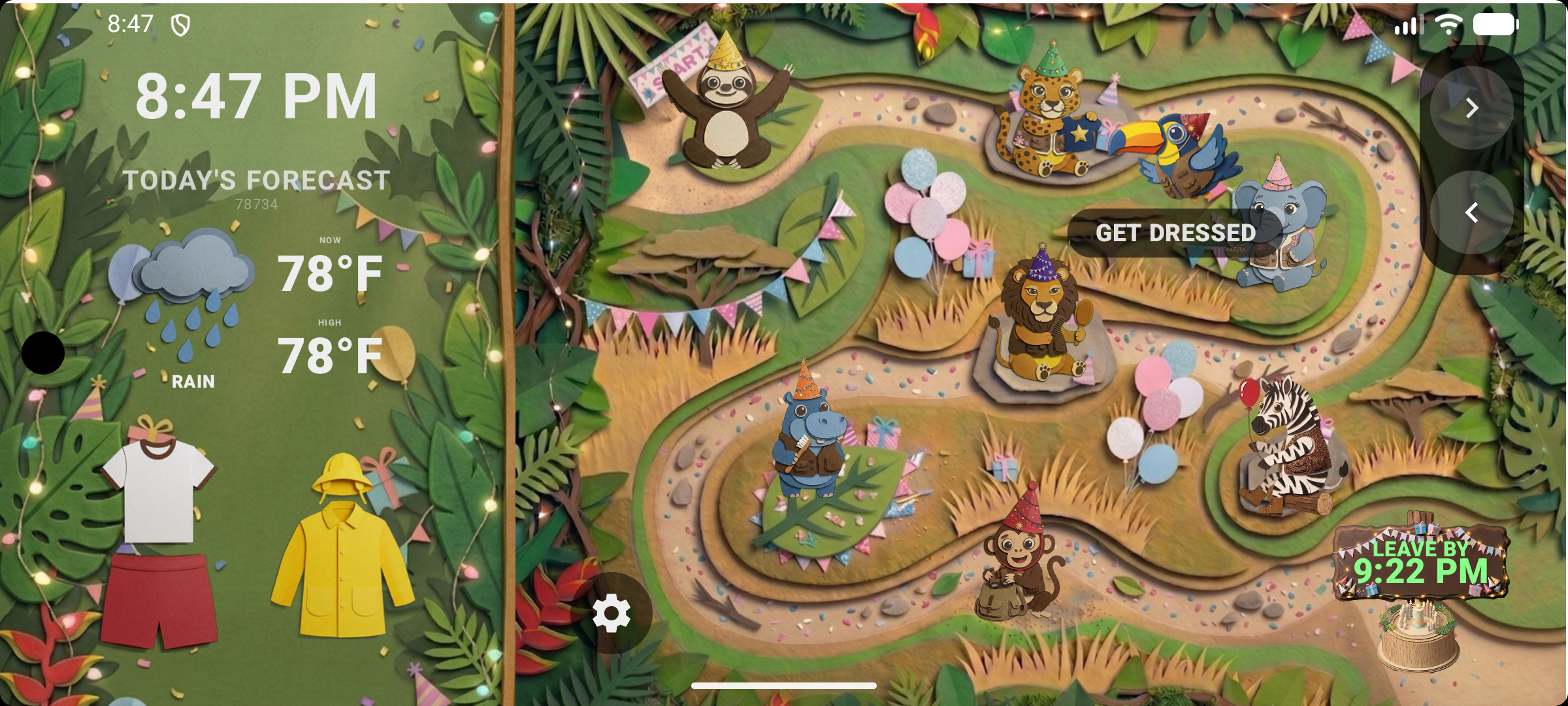
To get maximum efficiency out of your Smart TV command center:
Download The Morning Map today for iOS, Apple TV, and Roku, and stream your family routine onto the big screen!
Supported Providers: Apple (iOS & Apple TV) • Roku • Amazon Fire TV • Android & Google TV