Why the TV Beats Tablets for Kids' Morning Routines



When parents decide to implement a visual morning routine for their children, the first impulse is often to grab an iPad or hand over a smartphone. After all, routine apps exist on mobile devices, and kids already know how to operate touchscreens.
However, parents who try this quickly run into a frustrating reality: handheld tablets and smartphones are built for personal distraction, not shared family discipline.
While The Morning Map is fully functional across iPad, iPhone, and Android tablets, the app was fundamentally engineered around a groundbreaking concept: the living room TV screen is the ultimate morning command center. If you're currently struggling with physical paper or magnetic boards, check out our guide to the Kids Morning Routine Chart - Free Digital Version.
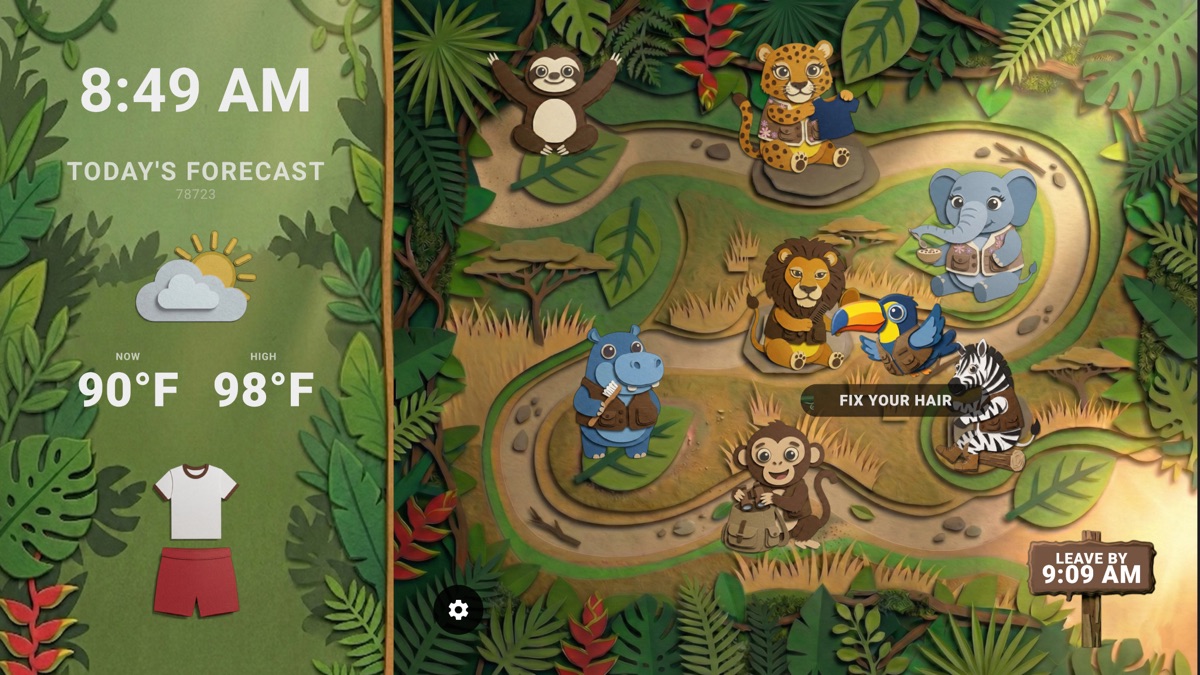
When a child uses a tablet, they must remain physically adjacent to the device to track their schedule. If they walk to their bedroom to put on socks or step into the bathroom to brush their teeth, the tablet stays behind or gets carried around like a toy.
A TV screen mounted in the living room or kitchen provides 10-foot ambient infrastructure. Kids don't need to hold anything. They can look up from eating cereal, look up while lacing their shoes near the front door, or glance down the hallway to check their progress.
Seeing Tommy Toucan or Ava the Elephant moving along the visual trail across a 50-inch screen keeps time tangible without requiring head-down screen absorption.
Handing a 6-year-old an iPad and asking them to strictly view a routine checklist requires an immense amount of executive function and impulse control. Surrounding that checklist are bright app icons: YouTube Kids, Minecraft, Roblox, and Disney+.
The moment a child touches a tablet, their brain enters an interactive dopamine-seeking mode. In contrast, The Morning Map on Smart TV (Apple TV, Roku, Fire TV, Android TV) acts as a passive broadcast display. There are no notifications popping up, no touch-screen game icons, and no app switching. It transforms screen time into utility time.
Managing morning routines with multiple children on individual tablets often leads to chaos—one child loses their iPad, another child starts playing a game, and parents end up managing three separate devices.
With a single TV running The Morning Map, the entire family operates on a unified clock. Siblings can cheer each other on as the bird reaches station checkpoints. It shifts the parent's role from a nagging manager to a supportive co-pilot: "Look at the TV guys, Tommy Toucan is reaching the doorstep in 4 minutes!"
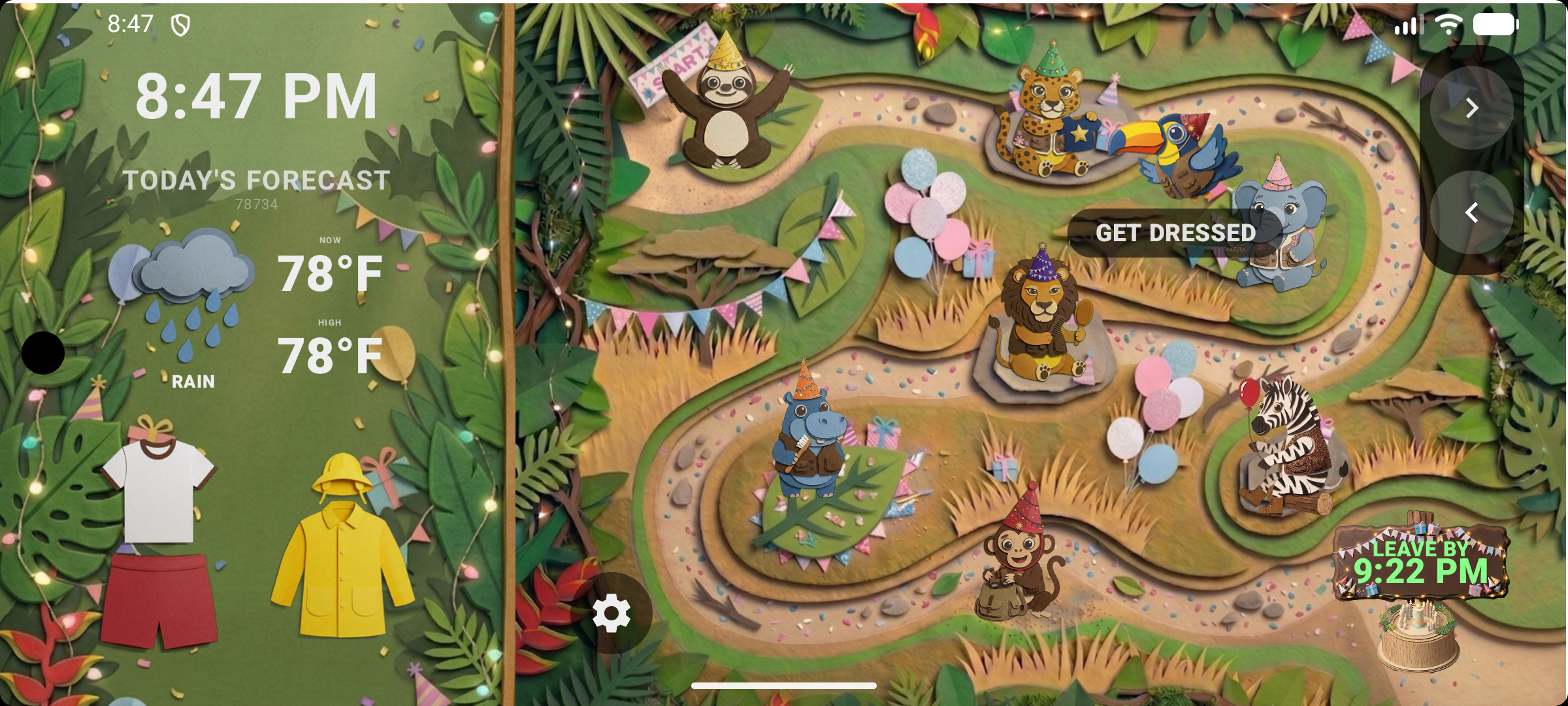
While The Morning Map runs as a standalone app across platforms, you have two simple ways to get your routine onto the living room TV screen:
1. Native TV App (Roku, Apple TV, Fire TV, Google TV): Download The Morning Map directly from your TV's app store. Use your standard TV remote to select your routine and hit Start for hands-free ambient display.
2. 1-Tap Casting & Screen Mirroring from Tablets & Phones: Have the app open on your iPad, iPhone, or Android tablet/phone? You can easily cast or mirror your screen directly onto your Smart TV using AirPlay (for Apple TV and Smart TVs) or Chromecast / Screen Mirroring (for Google TV, Roku, and Fire TV)!
Getting The Morning Map onto your big screen takes under 2 minutes regardless of your setup:
Experience the hands-free power of living room routine tracking. Download The Morning Map today across iOS, Apple TV, Roku, Android TV, and Fire TV!
Supported Platforms: Apple TV & iOS • Roku • Fire TV • Android & Google TV